Solo · Your mic, your moment
A Solo diss track video turns one photo into the performer. Roast a friend off-camera, celebrate a birthday with a joke, or turn the punchline on yourself.
Choose your diss track style
Each diss track style has a built-in scene. Bring your photos and a specific roast idea.
Your performer’s photo
Upload the people, not the scenery. We place them in your chosen stage. Use photos you have permission to animate.
JPG / PNG / WebP · Max 10 MB per photo
Name the person being roasted. They do not need to be in the photo. 0/40
One specific habit makes a better punchline. These are ideas for the lyrics, not words we promise to sing exactly.
0/200Try an idea · replaces your text
Energy
Rap language
Aspect ratio
Quality
Length
15s for the full setup and comeback. 8s for a quick exchange. 5s for one punchline.
315 credits = 1 × 15s 720P video
Use only photos you have permission to animate. Privacy Policy · Terms of Service
Result
Your clip includes English rap vocals and a beat. Wording, timing and likeness can vary.
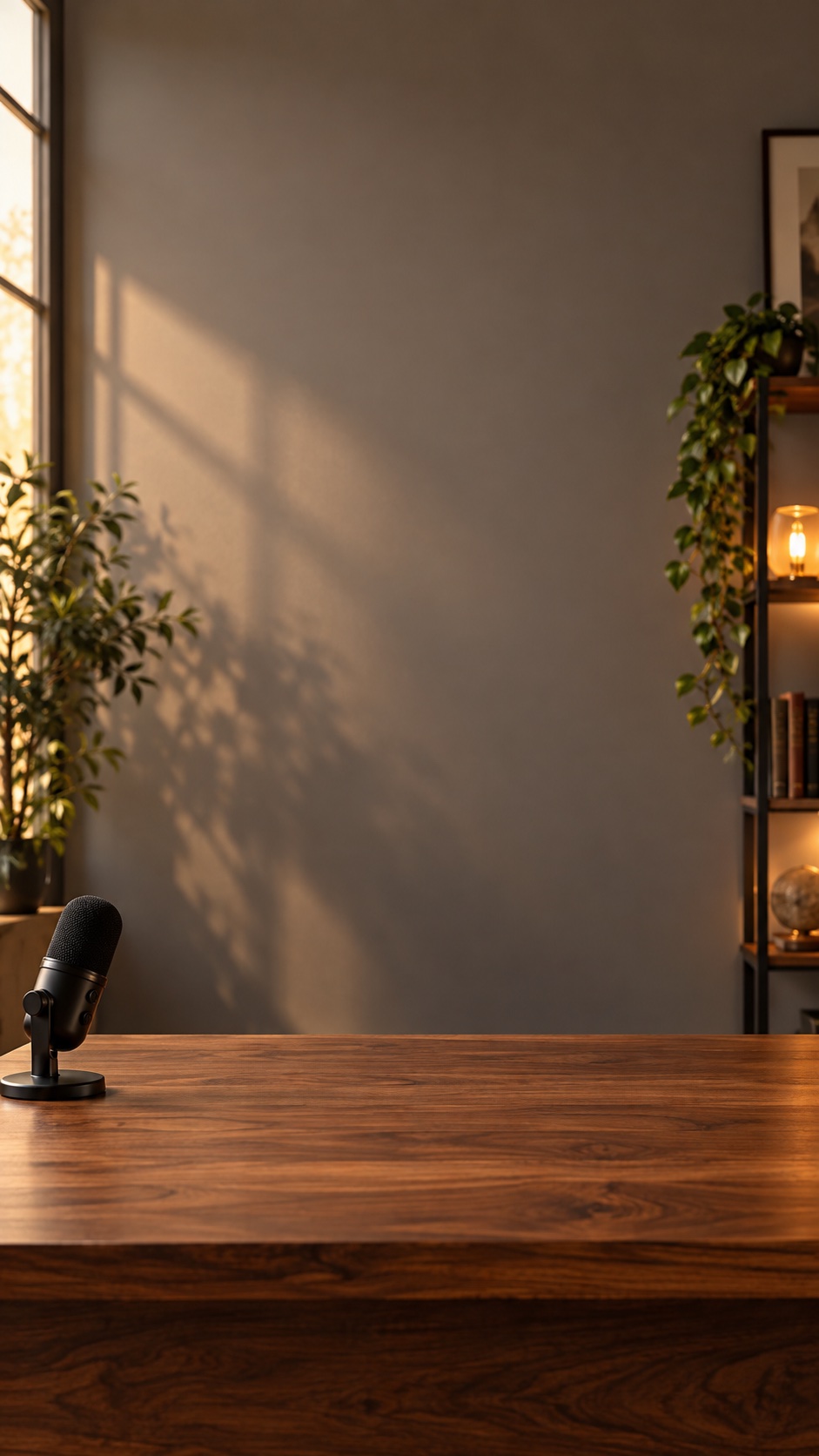
Your selected stage · a scene preview, not a generated performance.
Choose a fake apology, an absurd award, breaking news or a post-game interview. Each diss track style pairs a built-in scene with a musical direction.
Make your diss track personal with one or two portraits. Add an optional nickname and a specific habit, inside joke or birthday roast idea.
Choose the length and energy, check the credits, then make a diss track video with English rap vocals and a beat.
A Solo diss track video turns one photo into the performer. Roast a friend off-camera, celebrate a birthday with a joke, or turn the punchline on yourself.
A Duo diss track video places two portraits in one scene. A starts; B responds. At 5 seconds, only A raps while B reacts; longer clips attempt a back-and-forth exchange.
Each diss track video is designed to include original AI rap vocals and a beat, with lyrics created as part of the vocal performance. Exact words, lip sync and turn-taking can vary. Separate lyric text, captions and MP3 downloads are not included.
Choose a diss track style that fits your joke: a fake apology over piano boom-bap, an awards show with celebratory brass, a dry newsroom rhythm or a bouncy 808 post-game interview. Playful keeps the roast friendly; Sharp asks for a more competitive delivery. All vocals are in English.
Every diss track video uses credits for scene preparation and video generation. The creator displays the total before you start. Credits are returned automatically when a task fails; a completed result you dislike does not automatically qualify for a refund.
View credit packsNeed a starting point? Choose a person or a fictional rival, then add one specific, shareable habit. These ideas work for a playful Solo or Duo video:
For a sharper punchline, pair the habit with an exaggerated comparison. Keep it friendly, avoid private information and get permission before using another person’s photo.
Want an anime-inspired battle performance? Try our anime rap battle generator.
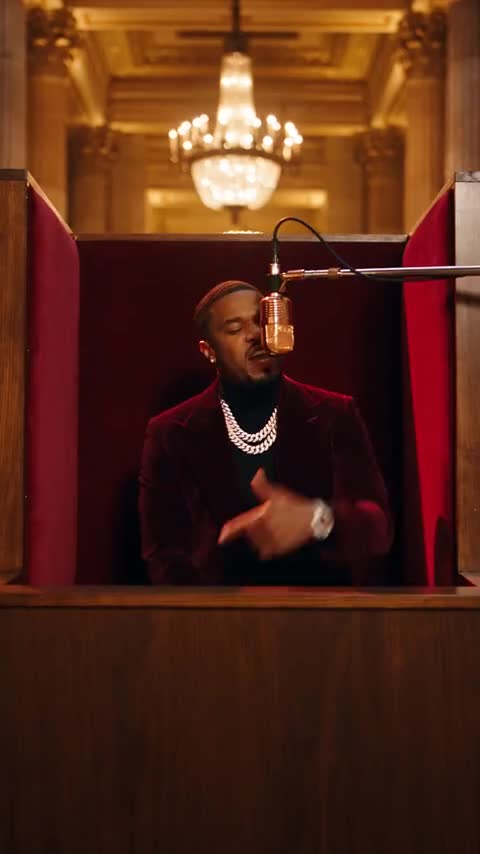
Create an orange studio booth performance from your photo, with a hanging microphone and hip-hop movement. This visual preset does not include a specific song or artist partnership; audio and likeness depend on the model.
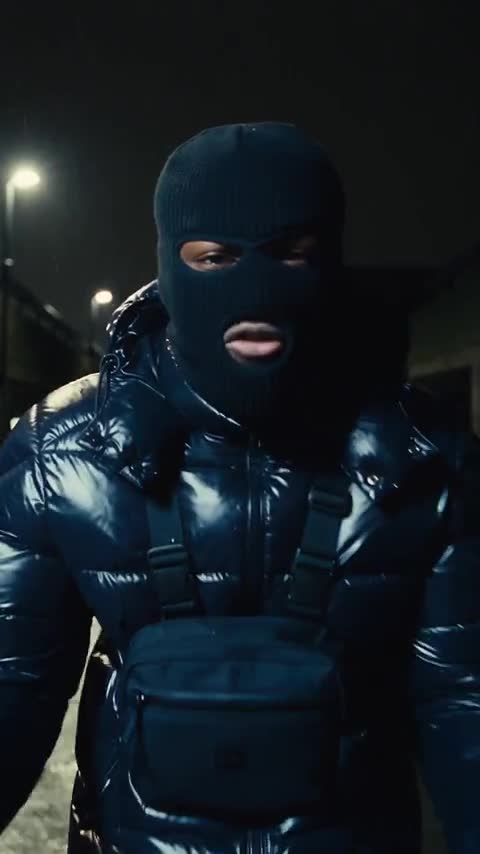
Transform your photo into a gritty midnight Drill rap music video. Dark technical puffer jacket, cold breath, and aggressive flow.
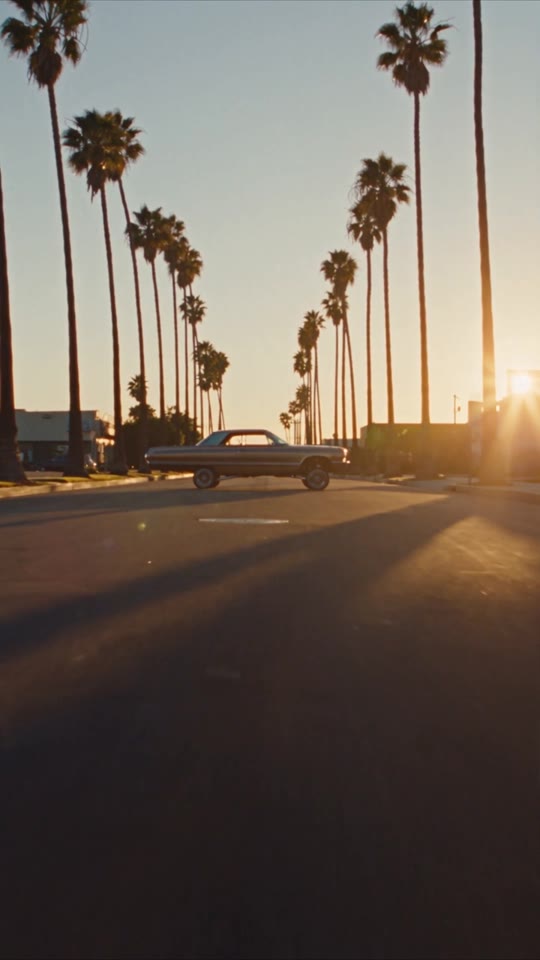
Step into a 90s West Coast G-Funk classic: bouncing lowriders, iconic LA palm trees, warm golden hour VHS tones, and effortless California swagger.
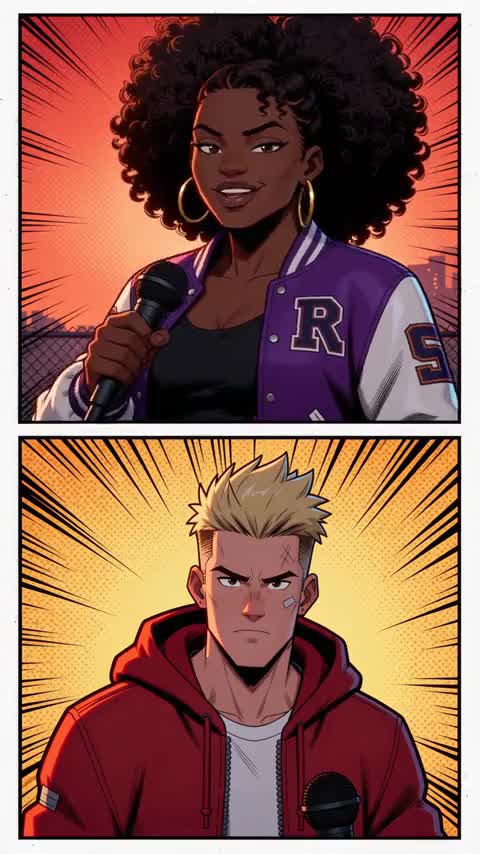
Transform into a cel-shaded anime battle MC in an electric cypher. Dynamic battle camera cuts, neon lightning sparks, and high-energy rap flow.
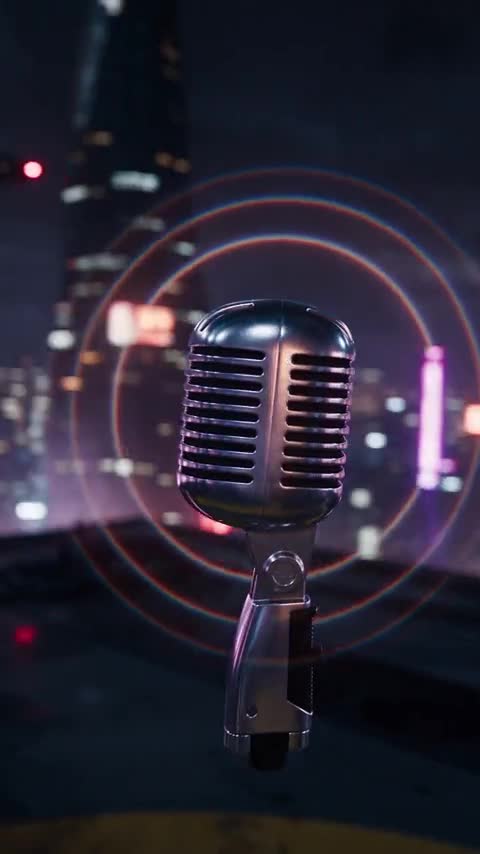
Step into a 2077 underground rap battle. Holographic city lights, punchy camera zooms, and cybernetic street style.
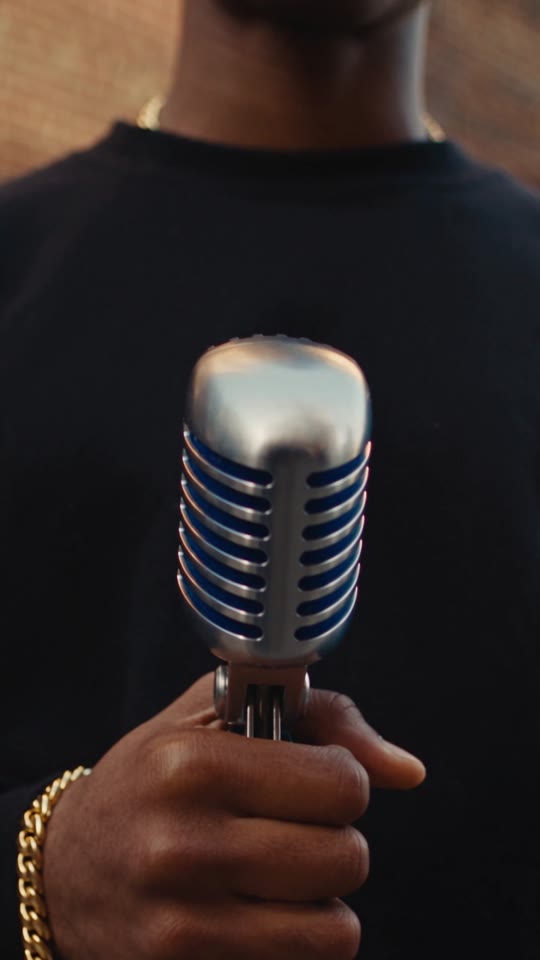
Old-school Brooklyn brownstones, graffiti walls, Shure mic in hand, and classic 35mm film grain nostalgia.
Two steps in one click: your photo becomes an illustrated hip-hop avatar, then performs a dynamic rap video.